Your next step
Net worth in multiple currencies, in one picture.
When money is spread across banks and currencies, individual balances do not answer “how much do I have in total?”. Capventory keeps dated valuations of assets and debts and converts them into your chosen base currency. You enter balances, rather than every purchase or transfer.
A worked example: three currencies, one total
Choose one valuation date and EUR as the base currency. For this example, assume 1 EUR = 50 UAH and 1 USD = 0.90 EUR. These are illustrative exchange rates, not current market quotes.
| Position | Original amount | Value in EUR |
|---|---|---|
| Bank account | 50,000 UAH | 1,000 EUR |
| Savings | 2,000 EUR | 2,000 EUR |
| Cash | 1,000 USD | 900 EUR |
| Outstanding loan | 10,000 UAH | 200 EUR of debt |
Assets: 3,900 EUR. Debts: 200 EUR. Net worth: 3,700 EUR.
Do not add hryvnias, dollars and euros directly. First convert each position into one currency using rates for the same date, then subtract the debts.
How to keep track in Capventory
Choose a base currency
Create a portfolio and choose the currency you want to see totals in. Capventory supports 63 currencies, and each portfolio can have its own base currency.
List assets and debts separately
Add accounts, cash and property in their own currencies. For a loan, record the outstanding balance. Keep a home and its mortgage as two positions: the property value and the debt are different amounts.
Update valuations for the same date
You can update several positions together. Review rates from official public sources or enter your own. If a required rate is missing, the total is marked incomplete.
Look at the breakdown and history
Compare currency shares and changes in net worth. Open a point on the history chart to see its positions. After an update, save a backup so you can restore your journal.
What it looks like on iPhone
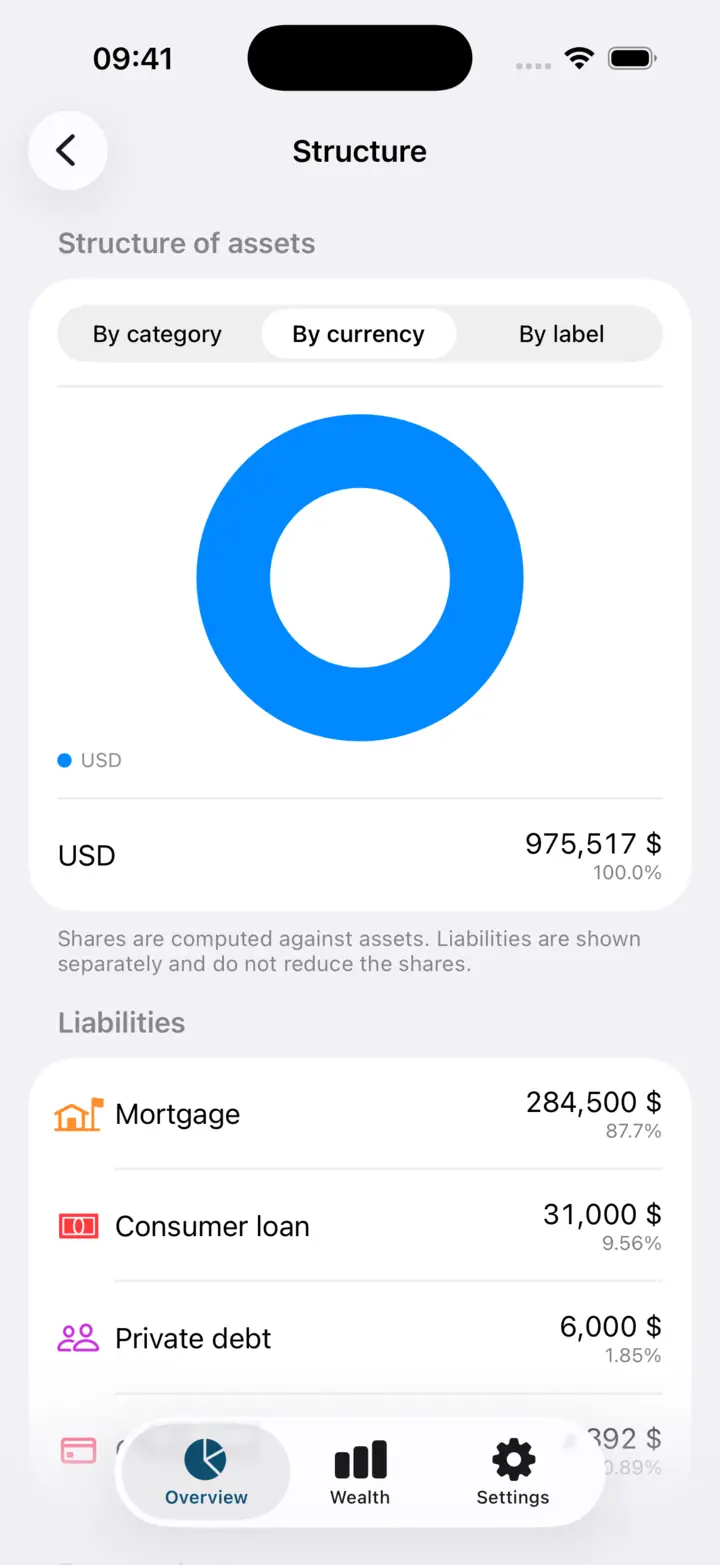
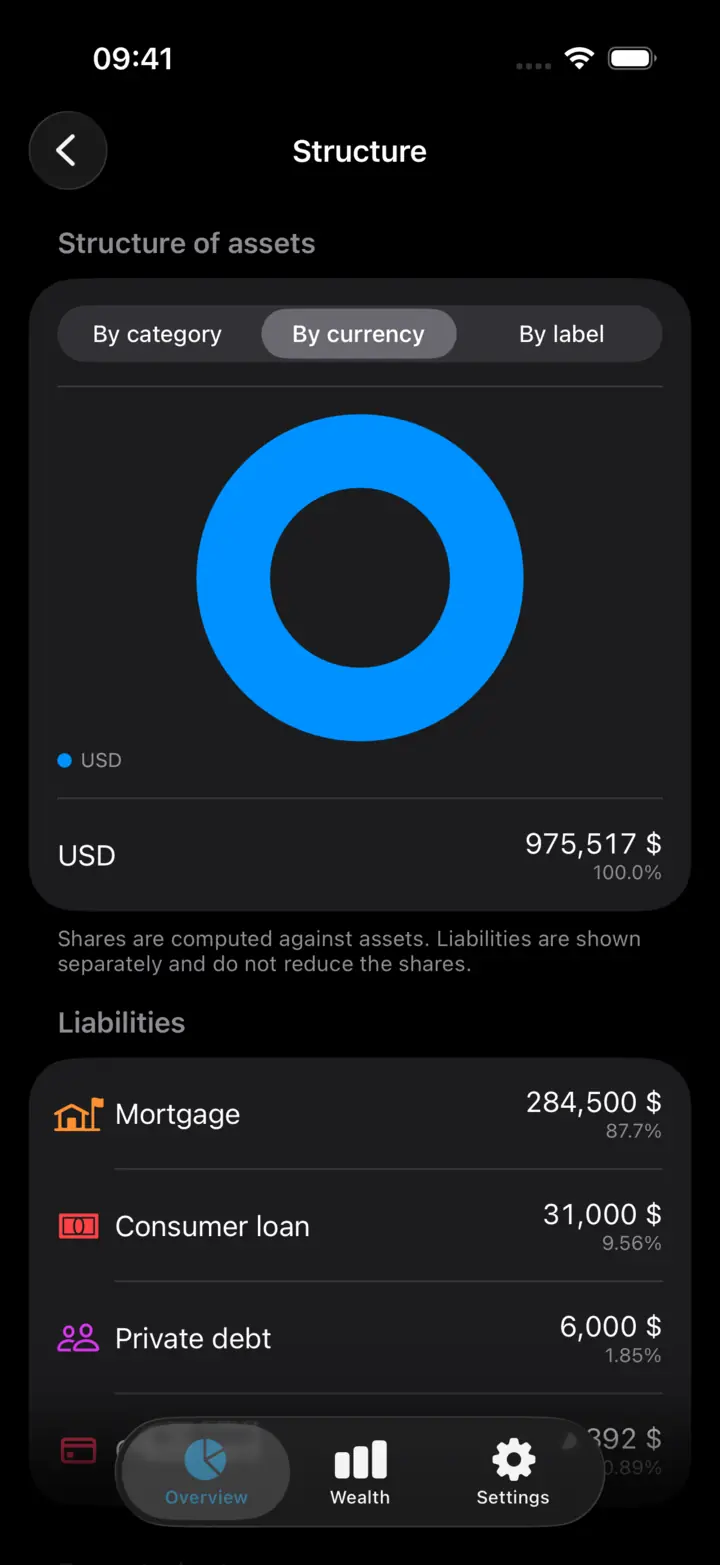
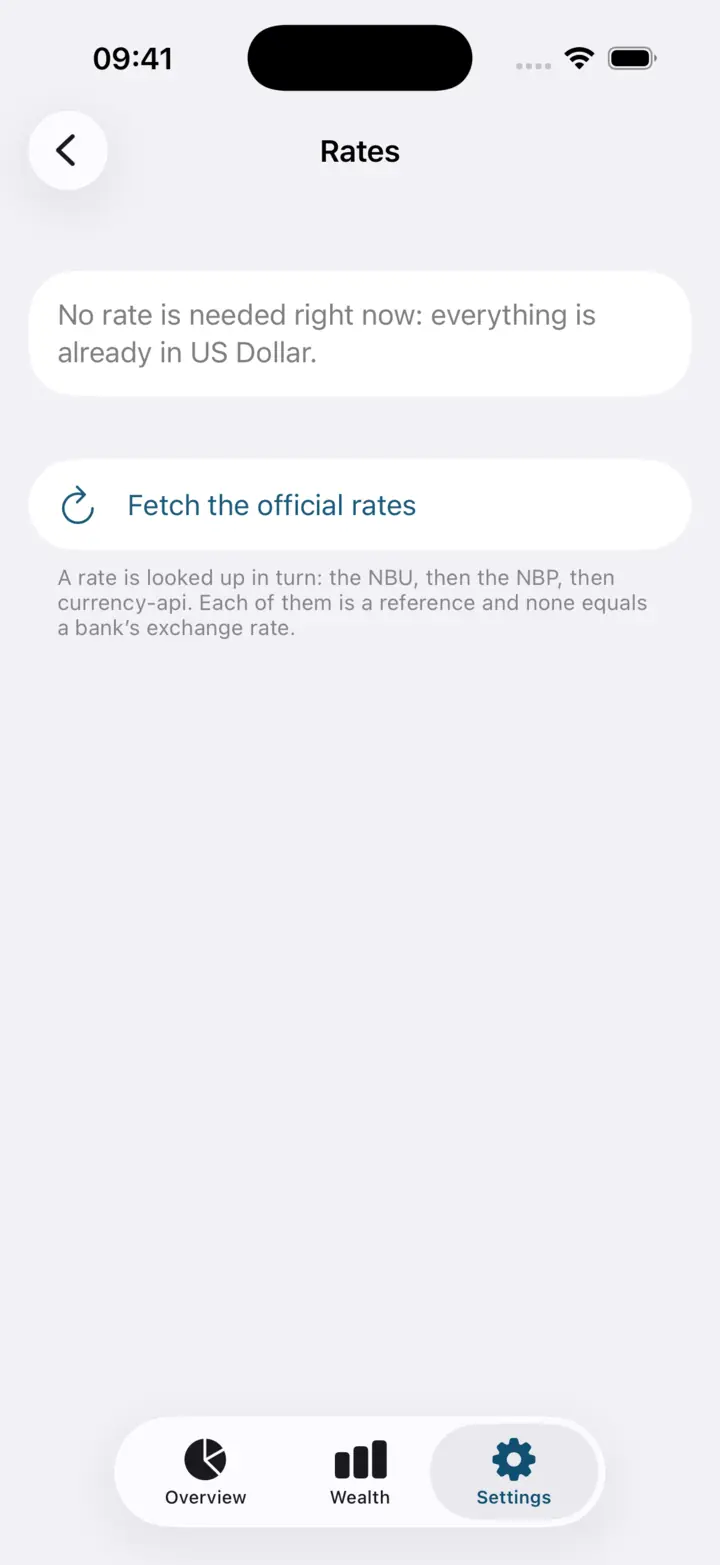
Screenshots show the demo portfolio in the app. Its amounts differ from the illustrative example in this guide.
Why did the total change when no money moved?
If the dollar rises against the euro, the same dollar balance is worth more in EUR. A change in your total may combine currency movements, new savings and revaluations of property. Capventory shows the change in value. Without recording transactions, it cannot separate those effects and does not call that change profit.
One currency for totals, original currencies for positions
Switching the base currency does not rewrite the amounts you entered; it changes how totals are displayed. That helps when you save in one currency but think about everyday costs in another. You enter the value of property, vehicles and investments yourself; the app does not automatically obtain market valuations for them.
Before you start
Do I need to connect my bank accounts?
No. You enter balances for a chosen date yourself. Capventory does not access your banks or import their transactions.
What if an exchange rate is missing for that date?
The app marks the total incomplete. You can retry the download or enter the rate manually. A manual rate takes priority and remains labelled as manual.
Can I use the journal offline?
Your data stays on your iPhone and you can maintain it offline. Fetching new reference rates needs an internet connection; saved and manual rates are available without it. Requests do not include your amounts or position names.
Bring your balances into one picture
Start with current account balances and cash. Add property and debts to see your net worth as a whole.
Download for iPhoneiPhone · iOS 18+ · 63 currencies · no subscription